
Rank Math vs Yoast vs All in One SEO: My Brutally Surprising 4-Month Test
I ran all three on real WordPress sites over several months. One I deleted within a week. One I still use. One I kept paying for way longer than I should have. Here’s the honest version of Rank Math vs Yoast vs All in One SEO, not the version written by someone chasing an affiliate cheque.
Why I ended up testing all three
When I first started building sites I did what most people do: I installed the plugin everyone told me to install. The first was Yoast. It was fine. Didn’t do anything really fancy. Worked as expected, and I didn’t question it for a good year or two.
I didn’t think twice about it until a client asked me, almost in passing, whether Yoast was still “the one to use.” I didn’t actually have a confident answer, which bothered me more than it probably should have. So I started properly comparing what each plugin could do against what I actually needed it to do. That’s when things got a bit more involved than I expected.
At first glance, the SEO plugin market in WordPress looks pretty straightforward. There are a few coloured circles and some meta fields. Easy enough, right? But once you dig into the actual differences in a Rank Math vs Yoast vs All in One SEO comparison, you find they matter a lot more than most people bother to check.
Once you get into schema markup, keyword tracking, redirect management, internal linking suggestions, and built-in Google Search Console integration, these plugins pull apart from each other fast, and the price differences are just as drastic as the feature differences.
I spent roughly four months running Rank Math, Yoast, and All in One SEO across multiple client and personal sites, paying for the premium tier of each one out of my own pocket rather than relying on review copies. I documented the differences as I went, and here’s what actually held up.

Rank Math sorts out the Content layer, but it’s one piece of four. If your rankings still aren’t moving after fixing this, the 21-point checklist walks through the other three, caching, assets, and server, so you’re not guessing at what’s actually broken.
Rank Math — the one I kept
Rank Math was the last of the three I tried, and within about two weeks I’d migrated my main site over from Yoast and haven’t looked back since. Out of Rank Math vs Yoast vs All in One SEO, this is the one I now point every client toward first, before we even talk about the other two.
That’s not a dramatic statement. It just does more, for less money, and the interface doesn’t feel like it was designed to make you feel bad about your writing every time you open the editor.
The free version of Rank Math is genuinely competitive with Yoast Premium. That’s the part that still catches me off guard when I explain it to a client. You get schema markup, a redirect manager, 404 monitoring, Google Search Console integration built in, and the ability to optimise for multiple focus keywords, all before you’ve paid a cent.
Yoast charges you for most of that. Rank Math just… gives it to you.
The content analysis is also smarter in a way that’s hard to put into words but easy to feel while you’re actually editing a post. It doesn’t just tell you to stuff your keyword in more often. It looks at readability, heading structure, internal and external links, image alt text, and a handful of other signals, and weighs them against each other rather than treating each one as a pass-or-fail box.
The score at the top of the editor actually means something. With Yoast I found myself gaming the traffic-light circles rather than improving the actual content. With Rank Math I found I was just writing better, without really trying to game anything.
Where Rank Math Pro earns its price is the rank tracking and the advanced schema types. If you’re running a recipe site, a local business, a product review blog, or anything where structured data actually shows up in search results, the schema module alone is worth the subscription on its own.
It’s not just that the options exist, it’s that they’re built in a way where you can actually understand what you’re doing, rather than toggling switches and hoping. I’ve broken down exactly what each tier includes, Free, Pro, and Business, in my Rank Math pricing breakdown if you want the full numbers before deciding anything.
None of this means Rank Math is flawless, and I’d rather flag the rough edges than pretend they don’t exist. Every so often after a plugin update I’ve had to clear a cache manually before the schema preview updates properly, which is a minor annoyance rather than a real problem, but it’s happened enough times that it’s worth mentioning. I’ve also seen it clash occasionally with certain page builder plugins on older themes, nothing that broke a site, just the odd layout quirk in the meta box.
How Rank Math scores across key factors
If I had one complaint beyond those small quirks, it’s that the onboarding wizard, while thorough, can feel like a lot on day one. It asks you a series of questions about your site type, your social profiles, and your preferred breadcrumb format, and it’s genuinely useful to answer them properly, but it’s not the fastest setup I’ve ever clicked through.
Yoast gets you to a working state faster. Rank Math gets you to a better state, just not quite as quickly.
- WordPress sites of any size
- Bloggers and content sites
- Anyone running local business or e-commerce
- People who want schema done properly
- You’re on a non-WordPress CMS
- You want the absolute fastest setup with zero config
- Your team is deeply locked into Yoast workflows
- Start with the free version
- Upgrade to Pro if you do affiliate, local, or review content
- This is the one I kept
Yoast SEO — the one I stayed on too long
Yoast was the default for so long that it basically became synonymous with WordPress SEO in a lot of people’s minds, mine included for a while. Stacked up against the other two in this Rank Math vs Yoast vs All in One SEO comparison, it increasingly feels like the safe default rather than the actual best pick.
And look, it’s not bad. It works. It’s well documented, widely supported, and pretty much any developer you hand a site to will know how to troubleshoot it without googling first. There’s genuine value in that kind of familiarity.
But I stayed on Yoast Premium for about eight months before I finally moved, and looking back I’m not entirely sure what I was waiting for. I think I was just comfortable, and comfort turns out to be expensive when you’re paying around $99 a year for features that a competitor gives away for free.
One client of mine was in the exact same spot when we finally sat down and audited her plugin stack together, paying for Premium features she’d never actually opened. If you’re in that same spot right now, I walked through the whole migration, step by step, in my Yoast alternative guide.
The readability analysis is Yoast’s signature feature, those famous green circles, and it’s genuinely fine for beginners. It checks sentence length, passive voice usage, transition words, and a few other things most writers have never thought about before.
But it also flags things in a way that doesn’t always improve your content. I had perfectly good paragraphs that Yoast marked orange or red, and paragraphs that were structurally weak but got green circles because they happened to tick the right boxes. The signal starts to feel noisy after a while, and you learn to half-ignore it, which sort of defeats the purpose of having it.
The schema implementation is where I found it most limiting. Yoast does the basics well enough. But if you want review schema, FAQ schema, HowTo schema, or anything more specific than the standard article markup, you’re either paying for an add-on or writing custom code yourself.
Rank Math handles most of that in its free tier. That gap widened every single time Google rolled out a new rich result type in Search Console, and Yoast’s response always seemed to lag behind by a few months.
How Yoast SEO scores across key factors
The one area where Yoast still genuinely holds up is onboarding. If you hand WordPress access to someone who’s never touched SEO before and tell them to start optimising posts, Yoast is probably the tool they’ll understand fastest, no explanation needed.
The interface is familiar, the documentation is excellent, and the traffic light system is immediately intuitive even when it’s imperfect underneath. For a team situation where different people are writing and publishing content without much SEO background, that familiarity counts for something real.
- Complete SEO beginners
- Teams with non-technical writers
- Sites where setup simplicity matters most
- You care about advanced schema
- You’re budget-conscious
- You want multiple focus keywords without paying more
- You’re doing any serious affiliate or review content
- Overpriced for what you get in 2026
- Free version is worth trying first
- I switched off Premium and haven’t missed it
All in One SEO — the one I deleted fastest
I want to be fair here because All in One SEO, usually shortened to AIOSEO, is a legitimate product with a large user base and a long history behind it. Of the three tools in this Rank Math vs Yoast vs All in One SEO test, it’s the one most people can safely skip unless WooCommerce is genuinely the priority. I deleted it within about a week on the site I tested it on, but that’s partly a fit issue for how I work, not purely a quality issue with the plugin itself.
The interface felt cluttered in a way that was hard to ignore from the first login. There are a lot of toggles, a lot of panels, a lot of options, and not a huge amount of clarity about which ones actually matter for a typical small business or blog.
I found myself opening the settings, getting a bit overwhelmed, closing the settings, and opening them again a day later hoping it would make more sense. That’s not a workflow I want in a tool I’m meant to be using every time I publish something.
The import process from Yoast was straightforward enough, to its credit, most of my existing meta titles and descriptions carried over cleanly. But once I was inside the actual editor day to day, the extra clicks needed to do basic things started to add up.
The pricing structure also didn’t quite make sense to me once I sat down and worked through it properly. The free version is fairly limited, more limited than either Yoast Free or Rank Math Free.
To reach feature parity with what Rank Math offers for free, you’re looking at the Pro plan, which at the time of testing sat around $49 a year. That’s not outrageous on its own, but it’s hard to justify when Rank Math’s free tier already covers most of that same ground.
Where AIOSEO does have a genuine edge is WooCommerce integration. If you’re running a large e-commerce store and want deep product-level SEO, AIOSEO has clearly put real engineering effort into that specific use case.
The WooCommerce-specific schema, the product category optimisation, and the bulk editing features are actually good, not just adequate. For that particular context, it’s genuinely worth a proper look before dismissing it.
For everything else though, and certainly for content blogs, affiliate sites, or small business websites like most of the ones I manage, I found it hard to build a case for choosing it over Rank Math. That’s really the whole story of Rank Math vs Yoast vs All in One SEO in one sentence for most people.
- WooCommerce stores at scale
- Sites with large product catalogues
- Teams already using other WPBeginner products
- You run a content site or blog
- You want a clean, focused interface
- You’re comparing free versions (Rank Math wins clearly)
- Not bad — just not the right fit for most people
- WooCommerce exception: genuinely worth considering
- I deleted it and moved on quickly
Rank Math vs Yoast vs All in One SEO: Side-by-Side
Here’s how Rank Math vs Yoast vs All in One SEO actually stack up on the features that matter for most WordPress site owners, not the features vendors like to lead with in their own marketing.

| Feature | Rank Math Free | Rank Math Pro | Yoast Free | Yoast Premium | AIOSEO Free | AIOSEO Pro |
|---|---|---|---|---|---|---|
| Multiple focus keywords | ✓ (5) | ✓ Unlimited | ✗ | ✓ (5) | ✗ | ✓ |
| Schema markup | ✓ Advanced | ✓ Full | ✓ Basic | ✓ Limited | ✓ Basic | ✓ Good |
| Redirect manager | ✓ | ✓ | ✗ | ✓ | ✗ | ✓ |
| Search Console integration | ✓ | ✓ | ✗ | ✗ | ✗ | ✓ |
| 404 monitoring | ✓ | ✓ | ✗ | ✗ | ✗ | ✓ |
| Keyword rank tracking | ✗ | ✓ | ✗ | ✗ | ✗ | ✓ |
| Internal link suggestions | ✗ | ✓ | ✗ | ✓ | ✗ | ✓ |
| WooCommerce SEO | ✓ Basic | ✓ | ✓ Basic | ✓ | ✓ Basic | ✓ Best |
| Price (annual) | Free | ~$84/yr | Free | ~$99/yr | Free | ~$49/yr |
The pattern is pretty clear once you lay it out like this. Rank Math Free is doing things the other two charge you for. And Rank Math Pro at around $84 a year still undercuts Yoast Premium while offering more across almost every row.
The only clear exception is WooCommerce, where AIOSEO’s Pro tier puts in genuine, visible work. If you want the full pricing tiers broken down properly, I’ve got that covered in my Rank Math pricing breakdown.
Who each tool is actually for
None of these three tools is objectively bad, which is worth saying plainly before the grid below. Across Rank Math vs Yoast vs All in One SEO, they’re just built for different people, and knowing which category you fall into matters more than any individual feature comparison.
Common questions about Rank Math vs Yoast vs All in One SEO
Rank Math vs Yoast vs All in One SEO: My Final Take
If you’re setting up a new WordPress site today and want my honest answer: install Rank Math Free, run it for a week, and see whether it covers what you actually need. After weighing Rank Math vs Yoast vs All in One SEO for four months straight, that’s still where I’d point anyone starting fresh.
For most people running content sites, blogs, or small business websites, the free version is enough to get started properly, and probably enough to stay on for quite a while.
If you’re doing affiliate content, writing reviews, running a local business, or managing more than a handful of sites, upgrade to Rank Math Pro. At around $84 a year spread across your sites, it’s not a decision you’ll regret or even think about again once it’s set up.
I broke down exactly what that $84 buys you, tier by tier, in my Rank Math pricing breakdown.
If you’re currently on Yoast Premium and wondering whether to switch, my honest answer is yes, you probably should. The migration is straightforward, Rank Math has a built-in Yoast importer, and you’ll end up with more features at a noticeably lower cost.
I put it off for too long myself, and there wasn’t a good reason for the delay. I wrote up the exact steps in my Yoast alternative guide if you want to follow along rather than figure it out from scratch.
The only scenario where I’d steer you differently is a large WooCommerce store with hundreds of products and genuinely complex product SEO needs. In that specific case, AIOSEO Pro is worth evaluating properly before you commit to switching anything.
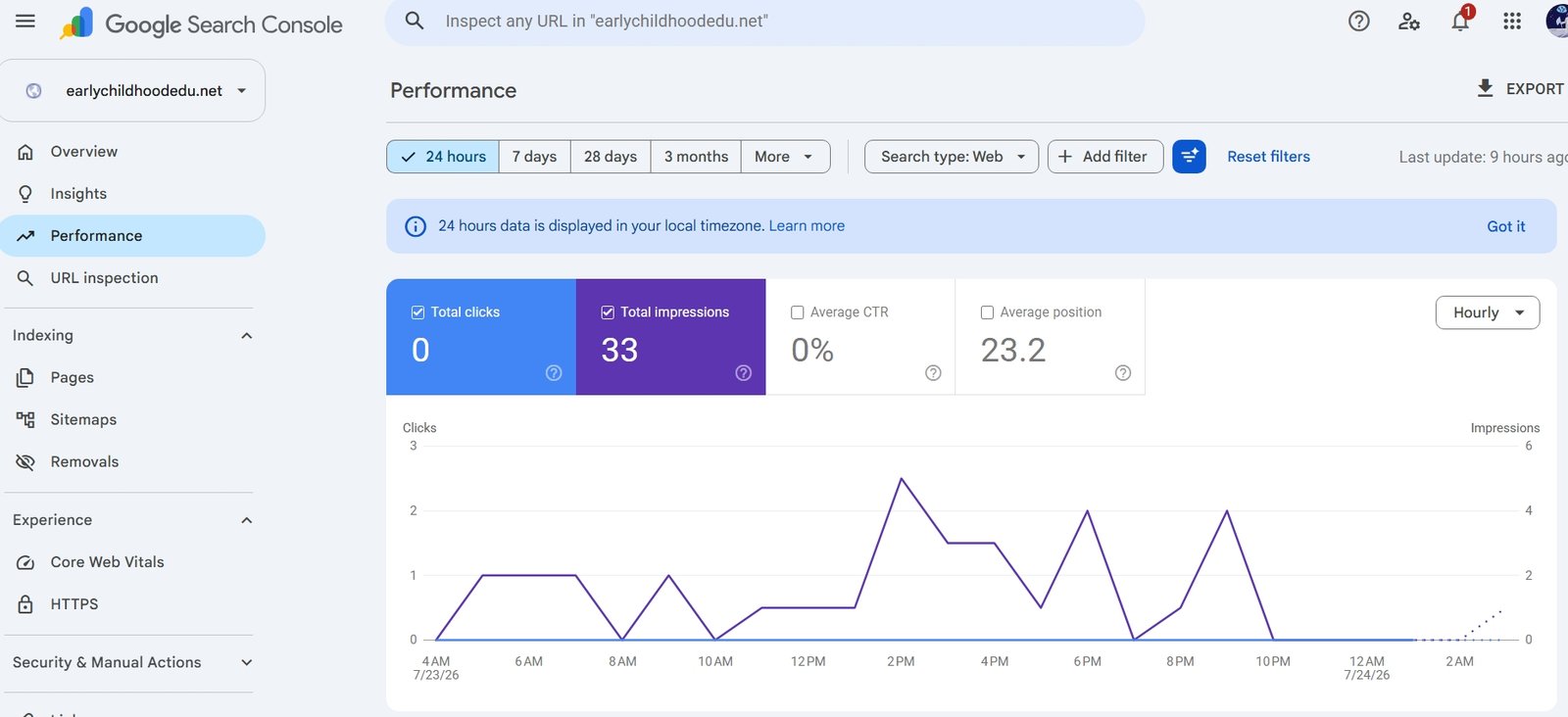
If you want to see how this whole thing played out in real Search Console data once these three articles went live at the same time, including the two I ended up pulling back to draft, I wrote up the full story in the first 28 days case study.
Final recommendations
Prices and features for Rank Math vs Yoast vs All in One SEO were accurate at the time of testing. Always check the vendor’s current pricing page before purchasing.