
Best Managed WordPress Hosting for Small Business
Looking for the best managed WordPress hosting for small business? If your site’s slow, support’s unhelpful, or setup feels confusing, you don’t need another explainer, you need a decision.
- Your site’s slow enough that you’ve noticed, or your customers have
- You’ve contacted support and gotten a copy-paste answer that didn’t help
- You’re not sure if you’re overpaying, underpaying, or just on the wrong thing entirely
I sit in this exact spot with clients pretty regularly. I work independently with a handful of small businesses on their sites and their SEO, and hosting is one of those questions that comes up almost every single time, usually a few months in, once the site’s actually getting traffic and someone finally notices it’s slower than it should be. So this page isn’t written from a spec sheet, it’s written from that recurring conversation.
Most hosting content out there is written by people trying to sound thorough, so you get four thousand words on cache TTLs and CDN edge nodes before anyone tells you what to buy. This page works the other way around.
It gives you the answer up top, then backs it up with real numbers from sites I actually run, so you can stop reading the second you’ve got what you came for, or keep going if you want the full reasoning behind picking the best managed WordPress hosting for your situation.
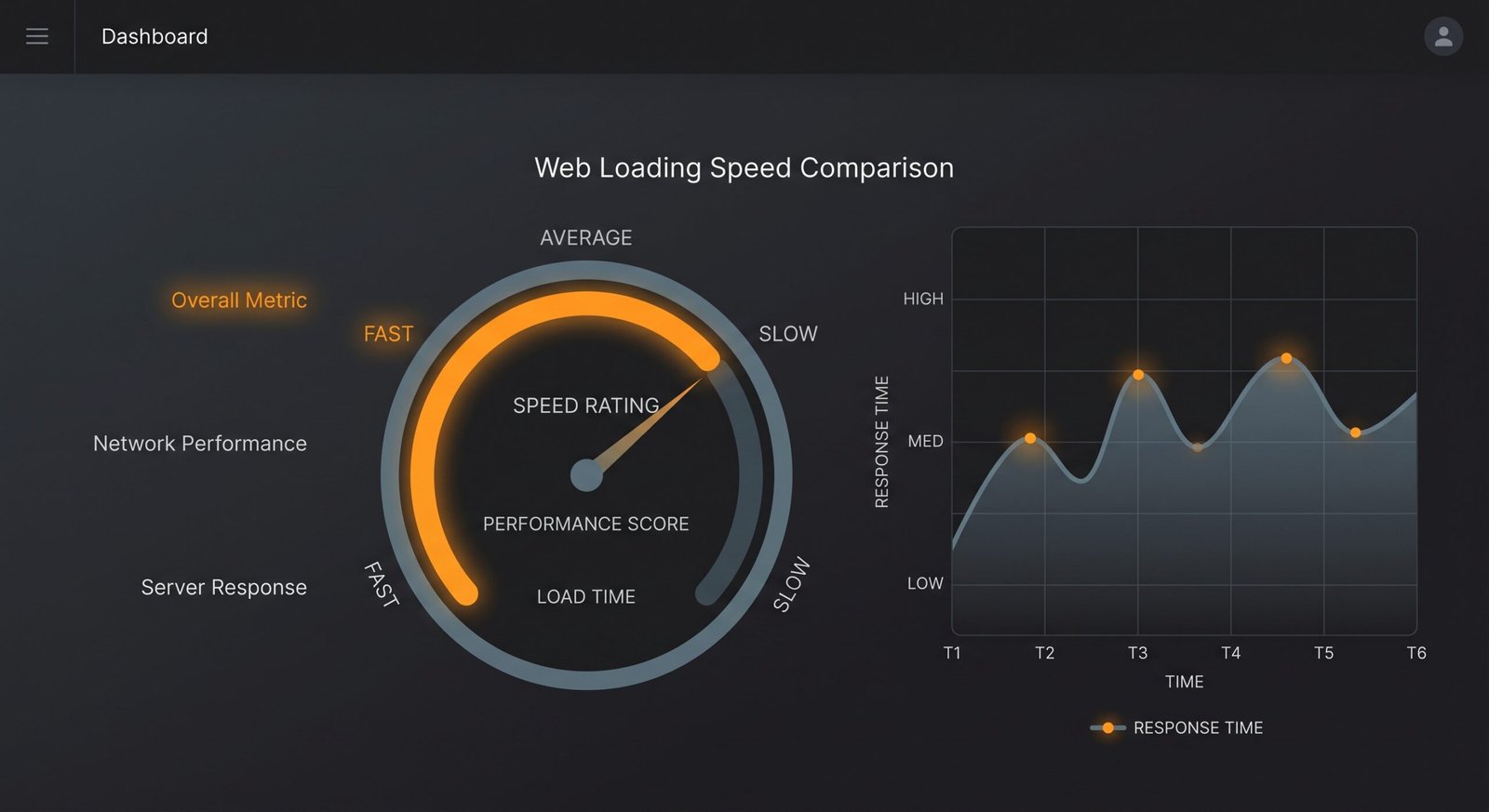
Best Managed WordPress Hosting: The Quick Answer
That’s most of the answer for most small businesses. The rest of this page is the reasoning and the honest limits of each, not a longer list to wade through. If you already know which bucket you’re in, jump straight to that mini-review further down. If you don’t, the scenario cards below will sort you out in about ten seconds, they’re basically the same questions I’d ask a client on a first call.
Pick based on your actual situation, not features
A PHP version or a server spec doesn’t tell you anything useful on its own. What matters is which of these sounds like you, so read through the four scenarios below and go with whichever one lands closest to your actual week-to-week reality, not the one that sounds most impressive.
Dedicated resources, built for traffic spikes rather than raw entry price. If slow load times are costing you customers, this is the fix.
Clean dashboard, one-click WordPress, doesn’t assume you’re a developer. Where I actually started myself.
Affordable entry pricing without feeling like a compromise for a new, low-traffic site.
Where I’m migrating to right now. Scales the server, not the whole setup, when traffic grows.
Worth saying plainly: none of these four situations are permanent. A tight-budget beginner today is a scaling business in eighteen months, and that’s fine, it’s the normal path. One of my clients started on the cheapest shared plan she could find because she wasn’t sure the business would even get off the ground, and moved to Cloudways about a year later once bookings picked up and the site started actually earning its keep.
The mistake isn’t starting cheap, it’s staying on the wrong tier for a year after you’ve outgrown it because switching feels like a hassle. It isn’t, and there’s a full walkthrough later in this piece of what an actual migration looks like, step by step.
Best Managed WordPress Hosting Compared at a Glance
| Hosting | Best for | Starting price | Key benefit | |
|---|---|---|---|---|
| Cloudways | Speed & scaling | ~US$11/mo | Dedicated cloud resources, no shared-server slowdown | Get started |
| Hostinger | Beginners & budget | ~A$5-16/mo | Simple dashboard, real AUD billing | Get started |
| SiteGround | Support-heavy needs | Researched, not tested yet | Known for stronger built-in support | See plans |
Many people won’t read past this table, that’s fine, it’s built to be the decision point. The mini-reviews below are for anyone who wants the actual reasoning, plus the honest limits of each option rather than a sales pitch dressed as a review.

My Honest Take on Each One
Two of the three hosts below I’ve actually used and tested with real numbers, one I’ve only researched so far. There’s no single best managed WordPress hosting that fits everyone, so I’m labelling each one clearly rather than letting you assume they’re all firsthand, because that distinction actually matters when you’re about to hand over a card number.
Anyone who’s outgrown shared hosting, or wants headroom before they need it. Real dedicated resources, not a shared server that slows down when someone else’s site spikes.
Someone whose current hosting is already testing fast, hosting isn’t always the bottleneck people assume it is, mine tested fine and the real problem was elsewhere.
Pricing is per-server, not per-site, so multiple WordPress installs can share one server without separate fees.
Bills globally in USD, no Australian pricing option, so factor in the exchange rate and your bank’s foreign transaction fee.
A bit more on why this is the top pick despite the currency friction. Small business sites usually live in one of two states: quietly fine, or quietly costing you money every time a page takes an extra second and a visitor bounces before it finishes loading. Cloudways is the option built for the second state.
It’s not the cheapest way to host a WordPress site, and it doesn’t try to be, but the resources you’re paying for are yours, rather than shared with whatever else happens to be sitting on the same box. I’ve seen this play out with a client’s online store during a sale weekend, the traffic spike would’ve buckled a shared plan, and it didn’t even blip.
Cloudways is where I’m actually migrating to, honest reasoning here.
Read the review →Beginners, tight budgets, anyone who wants a dashboard that doesn’t assume prior technical knowledge. Bills real AUD, no currency guessing.
A site already dealing with serious traffic spikes or needing dedicated resources, shared hosting has a real ceiling.
Genuinely one-click WordPress setup, and support that’s responded quickly every time I’ve needed it.
Intro pricing renews significantly higher, check the renewal rate before committing, not just the first-year price.
I started here myself, and honestly, for a first site, it’s still hard to argue with. You’re not choosing between a good host and a bad one at this price point, you’re choosing between a host that assumes you know what an SSL certificate is and one that just turns it on for you automatically. Hostinger is the second kind.
The renewal pricing is the one thing worth actually calendaring, not just reading once and forgetting. I had a client get caught out by exactly this last year, the bill nearly doubled at renewal and she rang me confused about what changed, when nothing had, it was just the intro rate ending.
Currently on Hostinger myself, here’s the honest beginner story.
Read that piece →Businesses who want stronger built-in support as the priority, and don’t mind paying more for that specifically.
Anyone purely price-sensitive, it typically sits above Hostinger and Cloudways on cost.
I haven’t personally migrated to or tested SiteGround yet. That’s coming once my own Cloudways migration is done and I can put all three side by side with real numbers, not secondhand specs.
Check their current plans directly if support is your top priority, this section will get a full firsthand update once tested.
I’d rather tell you plainly that this one’s still researched-only than dress it up as firsthand experience it isn’t. SiteGround has a solid reputation, particularly around support response times, and once the Cloudways migration is done and there’s a real three-way comparison to run with actual before-and-after numbers on my own sites, this section gets rewritten with genuine data instead of published reviews and specs.
If support quality is the single thing you care about most, it’s still worth a look now, just go in knowing this particular recommendation is secondhand for the moment.
Rule these out before you switch hosts at all
Here’s the part most hosting comparison pages skip, because it doesn’t sell hosting: sometimes hosting isn’t the problem. If your site feels slow, that can be a server issue, but just as often it’s a caching issue, a bloated theme, unoptimised images, or a content structure that’s fighting search engines rather than working with them.
Switching hosts when the real problem is one of those things means you pay more money for a site that’s still slow, just on a nicer server. I’ve had clients come to me convinced they needed a hosting upgrade when the actual culprit was a theme with about a dozen unused plugins bolted onto it.
Two things are worth ruling out first. If pages feel sluggish and you haven’t got a proper caching layer running, WP Rocket is the fix I use, and it’s usually a fifteen-minute install that solves more of the “why is this slow” question than people expect.
And if the real complaint isn’t speed so much as “nobody’s finding this site,” that’s a content and structure problem, not a hosting one, which is what Rank Math is built to sort out.
This isn’t me talking myself out of the hosting recommendation, it’s the same honesty pattern I try to bring to every client conversation. I’d rather someone fix the actual layer that’s broken than get sold an upgrade they didn’t need.
If you’ve already got caching sorted, your content’s in good shape, and the site is still slow or still struggling under load, that’s exactly the point where a host upgrade starts to matter, and that’s what the rest of this page is for.
How to Choose
Budget vs performance: if you’re pre-revenue or just starting, budget wins, Hostinger. Once the site’s earning, performance usually wins, since a slow site costs more in lost customers than the hosting upgrade costs in dollars. Nobody regrets the ten-dollar difference between hosting tiers once they can see it converting into actual sales.
Ease vs control: Hostinger trades some control for simplicity. Cloudways gives you more control with a slightly steeper learning curve. Neither is wrong, it depends on whether you want to touch server settings at all, or whether you’d rather never think about the infrastructure and just run your business.
Growth potential: if you can already picture needing more resources in twelve months, start somewhere that scales without a full migration later. That’s the case for Cloudways over shared hosting, not that shared hosting is bad, just that it has a ceiling, and hitting that ceiling mid-launch or mid-campaign is a genuinely bad time to discover it.
Support expectations: if you know you’ll need to lean on support heavily, whether that’s because you’re not technical or because your site does something unusual, weigh that into the decision now rather than after a bad support experience forces an unplanned migration.
There’s no single best managed WordPress hosting for every business, just the one that fits your situation on these four points, which is exactly what I go through with a client before we touch a single setting.
How This Page Was Tested
Most hosting comparisons are written from specs and marketing pages. This one is partly that, and partly real measurement, and I want to be specific about which parts are which rather than blur the line.
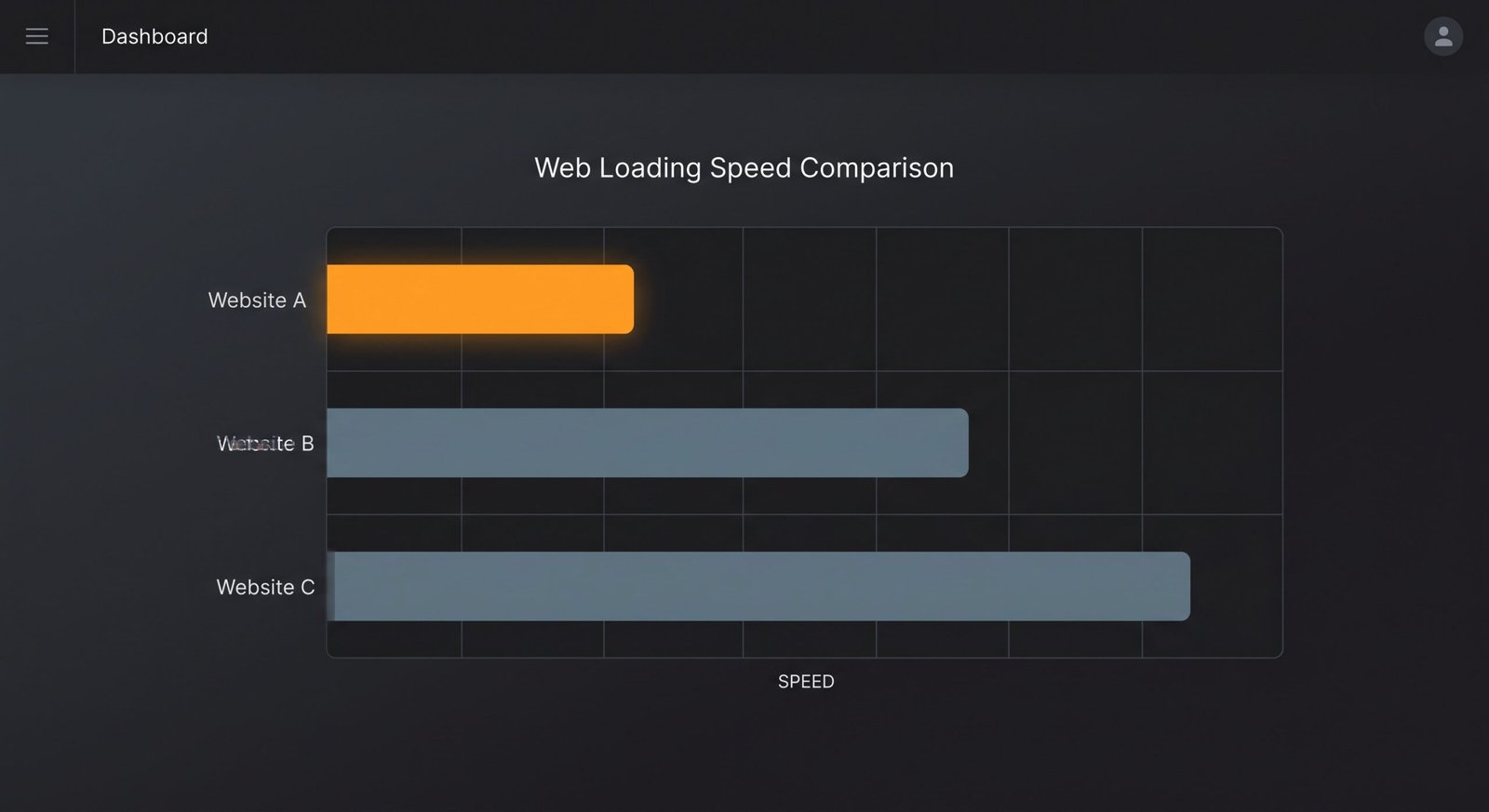
The Cloudways and Hostinger picks are based on sites I run myself. Rather than trusting a single speed test, which can vary by several hundred milliseconds depending on network conditions at that exact second, I ran PageSpeed Insights multiple times, on both mobile and desktop, across separate sessions, and looked at the pattern rather than any one number.
That’s how I found something that genuinely surprised me: my server response time, the thing everyone tells you to check first, was already fine, sitting around 190 to 220 milliseconds consistently. The slowdown I was chasing turned out to live somewhere else entirely, in render delay rather than server response.
That’s a useful thing to know before spending money on a host upgrade that wouldn’t have fixed the real problem, and it’s exactly the kind of thing a spec sheet can’t tell you.
SiteGround doesn’t get that same treatment yet, because I haven’t migrated a site to it. Rather than write around that gap or imply testing that hasn’t happened, this page just says so directly, and that section will get replaced with real numbers once there’s real data behind it.
Big mistakes small businesses make choosing hosting
- Choosing the cheapest option without checking the renewal price. Intro pricing is not the real cost, check what you’ll actually pay in year two, since a lot of hosts price the first term as a loss leader.
- Ignoring speed until a customer mentions it. By then you’ve likely already lost sales you never saw happen, because most people who bounce off a slow page don’t tell you, they just leave. I’ve had this conversation with more than one client after the fact, never during.
- Upgrading to enterprise-tier hosting before you need it. Paying for AWS-level infrastructure for a five-page brochure site is solving a problem you don’t have yet, and that budget is usually better spent on content or ads.
- Assuming hosting is the problem without testing. Run the checklist before spending money on a fix for the wrong layer.
- Migrating hosts during a busy sales period. DNS propagation and migration hiccups happen occasionally even with a careful process, and a launch week or big campaign is not the time to find out.
- Never testing after switching. A lot of people migrate, assume it worked, and never run a follow-up speed test to confirm the numbers actually moved the way they expected.
Run the 21-point checklist first. Technical Foundation includes a specific check for server response time separate from general speed, so you’ll know definitively rather than guess.
Best Managed WordPress Hosting: Common Questions
The Bottom Line on Best Managed WordPress Hosting
If you want the short version one more time: Cloudways for anyone who’s outgrown shared hosting or wants headroom before they need it, Hostinger if you’re just starting out or working with a tight budget, SiteGround if support is your top priority and you’re comfortable with a recommendation that’s researched rather than firsthand for now.
None of these are wrong choices, they’re built for different stages of the same journey, and the honest answer for most small businesses is that the best managed WordPress hosting isn’t a single fixed pick, it’s the option that matches where your site actually is today.
You’ll probably use more than one of these over the life of your site, not because the first choice was a mistake, but because what a five-page brochure site needs and what a growing e-commerce store needs are genuinely different things. I’ve watched clients move through more than one of these stages, and the pattern holds up every time.
Still Not Sure Which One?
Happy to talk through where your site actually sits and what hosting genuinely makes sense for it, the same conversation I’d have with any client, no pressure, no sales pitch attached.
Get in Touch →