
GA4 tracking diagnostic
Before you trust a single number in your reports, it’s worth running this GA4 tracking diagnostic. Five quick questions tell you whether your conversions are being counted twice, missed entirely, or reported accurately, based on the checks I actually run when auditing a WordPress site. Takes about a minute, no login required.
Why a GA4 tracking diagnostic matters more than it sounds like it should
Every decision you make off a GA4 report assumes the report is telling the truth. Most of the time nobody checks that assumption. A duplicate GA4 tag inflates every conversion on the site by roughly double without anything visually breaking, forms still submit, thank-you pages still load, the numbers just quietly lie. A broken trigger does the opposite, a form that works perfectly for the visitor and never tells GA4 anything happened. Either way, you end up optimising against numbers that were never real in the first place, which is a slower and more expensive mistake than just not tracking at all.
This tool exists because manually working through that check takes longer than most people are willing to spend before they’ve even confirmed there’s a problem. It compresses the same reasoning into five questions instead of a full audit.
What the five questions actually check
Each question targets one specific failure mode, not a generic symptom. Together they cover the two most common ways GA4 tracking breaks on a WordPress site:
- Whether you’re actually seeing over-counted or under-counted conversions, since the diagnosis branches differently depending on which one it is
- Whether Google Tag Manager and a plugin are both pushing GA4 at the same time, the single most common cause of duplicate tracking
- What your page source actually shows when you search for a GA4 measurement ID, since that’s the direct evidence a duplicate leaves behind
- Whether your form reloads the page on submission or fires via AJAX, since AJAX forms silently break trigger types built for a destination URL
- Whether the site’s running heavy or slow, since a bloated setup is where most of these tag conflicts start in the first place
Each question maps to a real check, the logic is the same as Google’s own Tag Manager preview mode and GA4 DebugView, just packaged into a faster first pass than opening either tool cold.
What you’ll get at the end
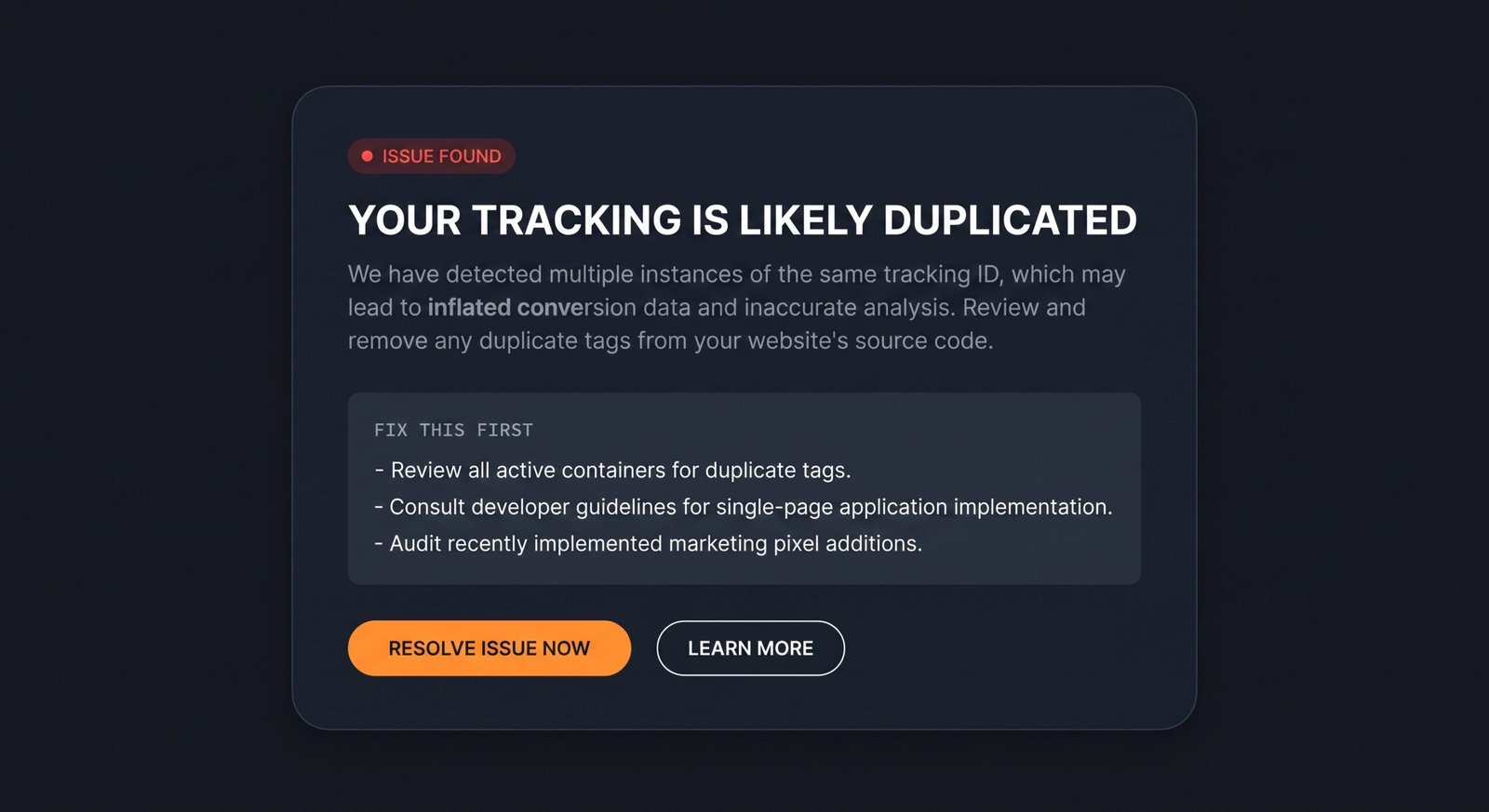
Not a generic “check your settings” message. The result names the most likely cause based on your specific answers, confirmed duplicate, duplicate risk, a trigger that’s probably never firing, or a clean result worth confirming with one live test, and gives you the actual next step for that cause specifically. If you’d rather read the full reasoning behind each question before running it, the GA4 tracking audit walks through all of this in detail, and once your tracking’s confirmed clean, the SEO ranking drop diagnosis is the natural next stop if traffic still looks off.
Is your GA4 tracking broken?
Five questions, about a minute, based on the checks I actually run during a real audit.
What are you actually seeing right now?
Pick whichever’s closest, you can still get a useful read even if you’re not sure.
Are you running Google Tag Manager and a GA4 plugin (or an SEO plugin with built-in analytics) at the same time?
Think Site Kit, Rank Math, or a form plugin’s own tracking, alongside a GTM container.
Open a new tab, right-click your homepage, and choose View Page Source. Search for G-. Does it show up more than once, or as two different IDs?
Takes about ninety seconds. This is the single most common cause of duplicate tracking on WordPress.
When your form submits, does the page reload and send you to a dedicated thank-you page URL?
If the success message just appears on the same page without a reload, your form is submitting through AJAX.
Last one: would you say the site feels slow, or is it carrying a lot of plugins?
Not directly a tracking question, but a bloated setup is where most tag conflicts start.
Fix this first